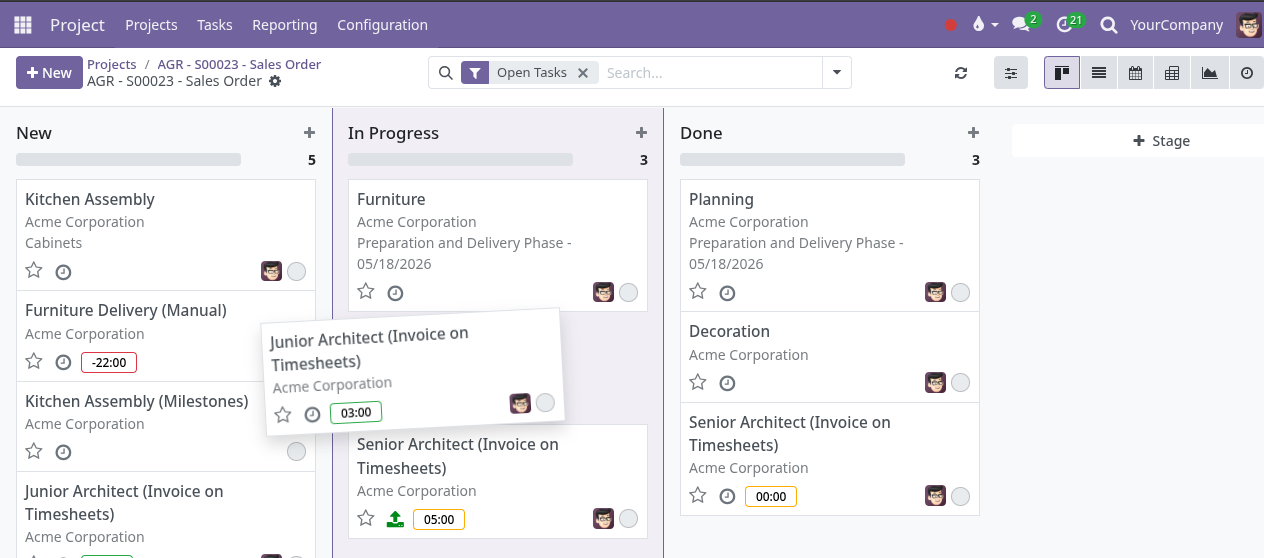
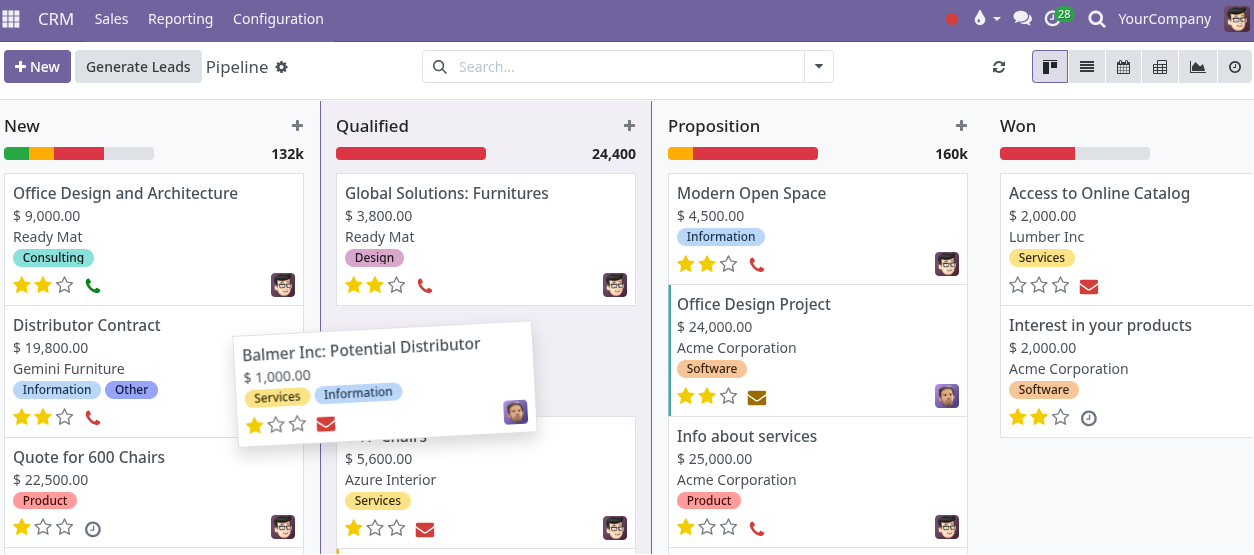
Leads arrive, then cool off.
A call, form, referral, or email comes in, but nobody owns the next step, so good opportunities sit too long.
Managed business system for small-to-midsize service companies
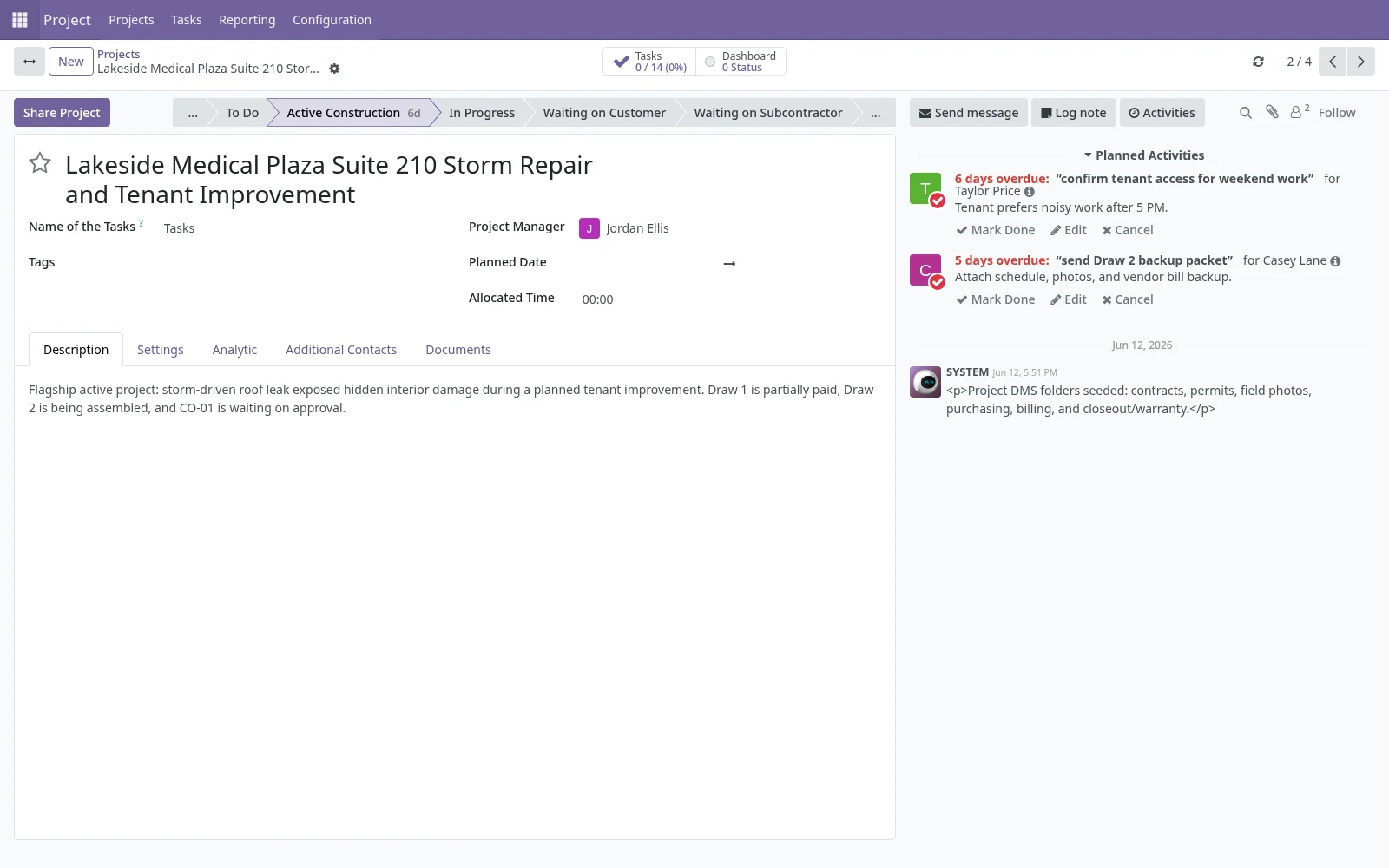
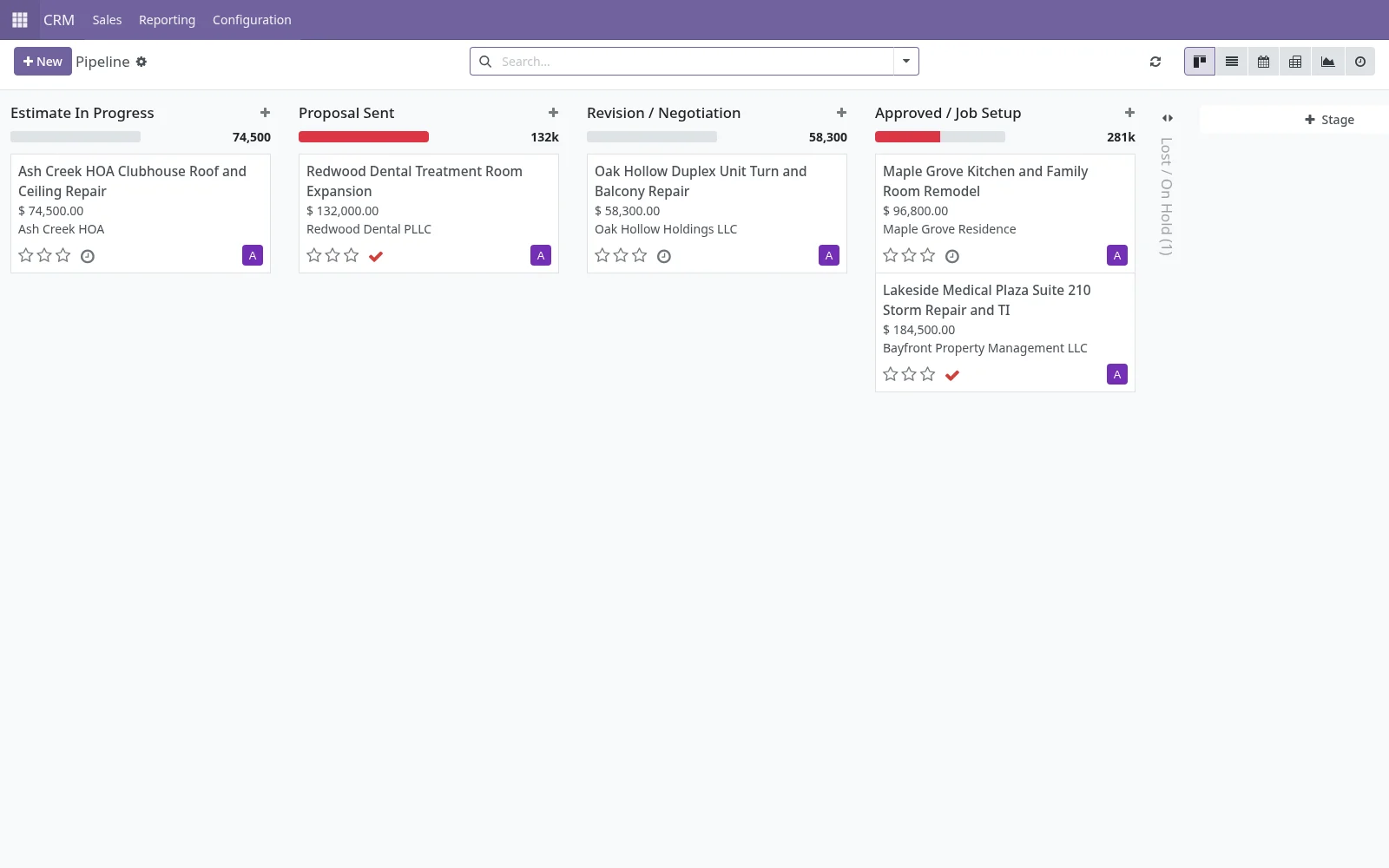
WindWeaver gives your team one managed workspace for leads, estimates, jobs, files, billing, follow-ups, and owner visibility, configured around the way the company actually operates.
Normal team use is included without per-user SaaS pricing. Configured when possible. Custom-built when necessary.
Configured when possible. Custom-built when necessary.
Best for
Built for scattered work
Small-to-midsize teams lose time when the truth is split across inboxes, texts, spreadsheets, folders, paper forms, calendars, accounting tools, and memory.
A call, form, referral, or email comes in, but nobody owns the next step, so good opportunities sit too long.
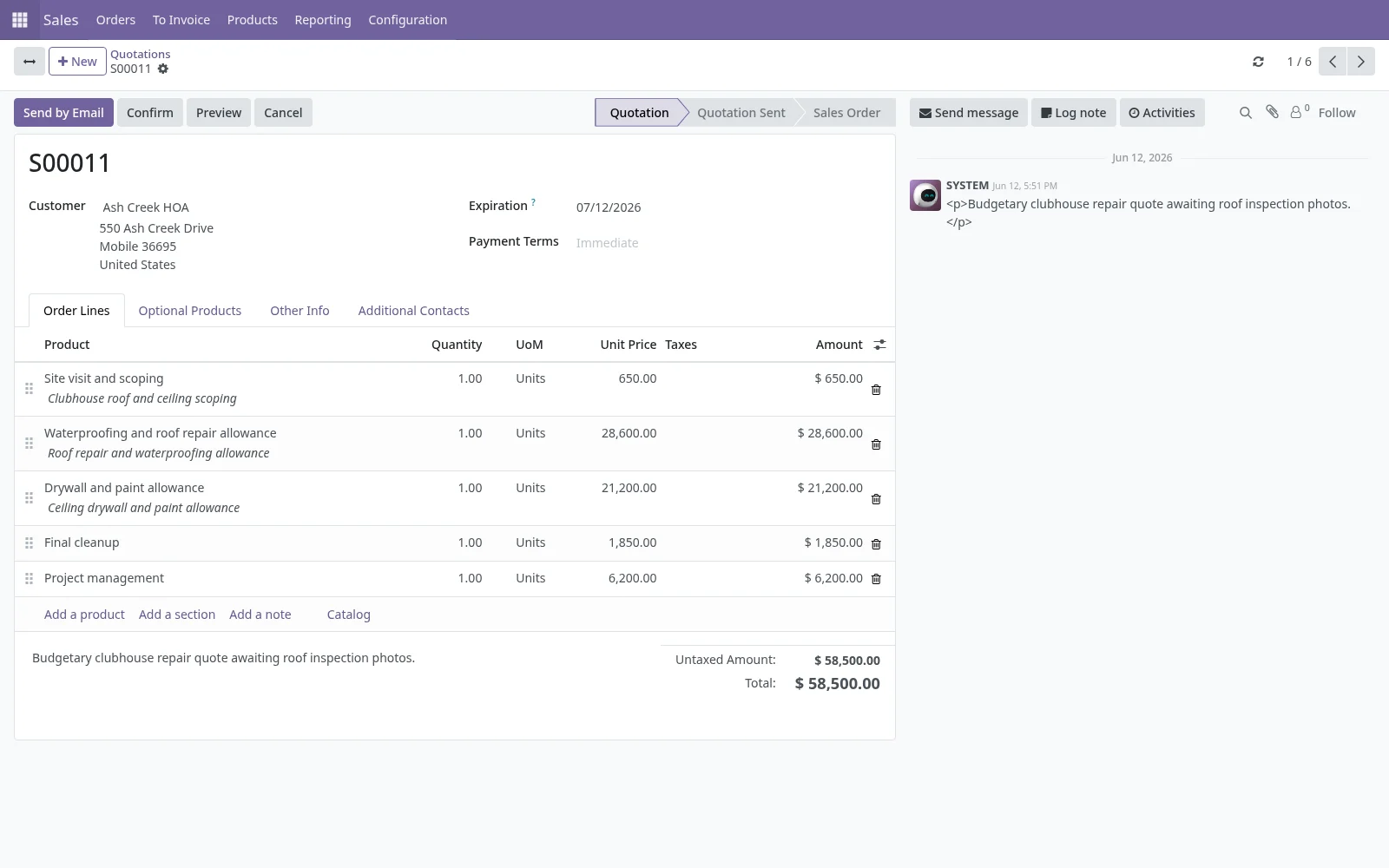
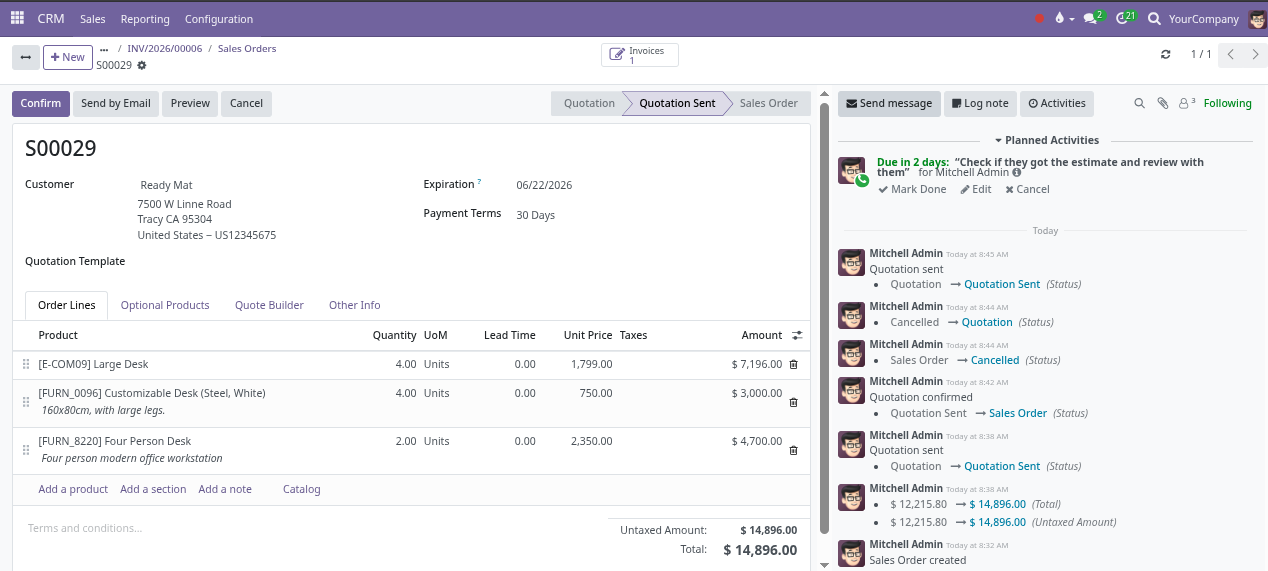
The estimate was sent, but there is no clear follow-up date, owner, or reason the deal stalled.
The office has to text around to learn what happened, what is waiting, and whether the job is ready to bill.
Photos, forms, approvals, and notes exist somewhere, just not attached to the customer or job when they are needed.
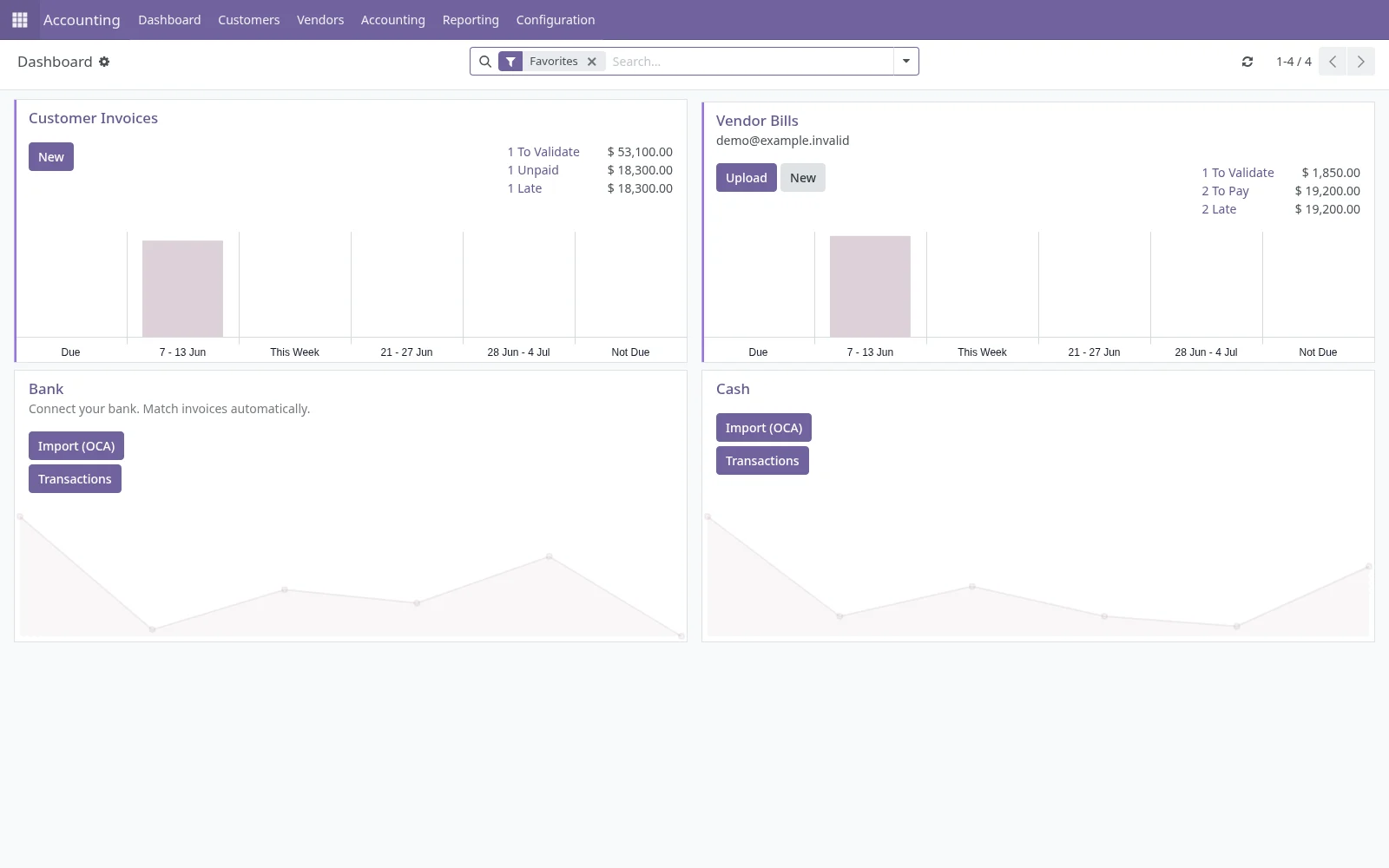
The work may be done, but the invoice stalls because job details, approvals, photos, or final notes are scattered.
By the time late follow-ups, stuck jobs, unpaid invoices, or missing information are obvious, time has already been lost.
Product flow
Show the whole customer story without chasing it through five different tools.
Capture the source, customer details, owner, notes, and first next step before the opportunity cools off.
Business suite capability
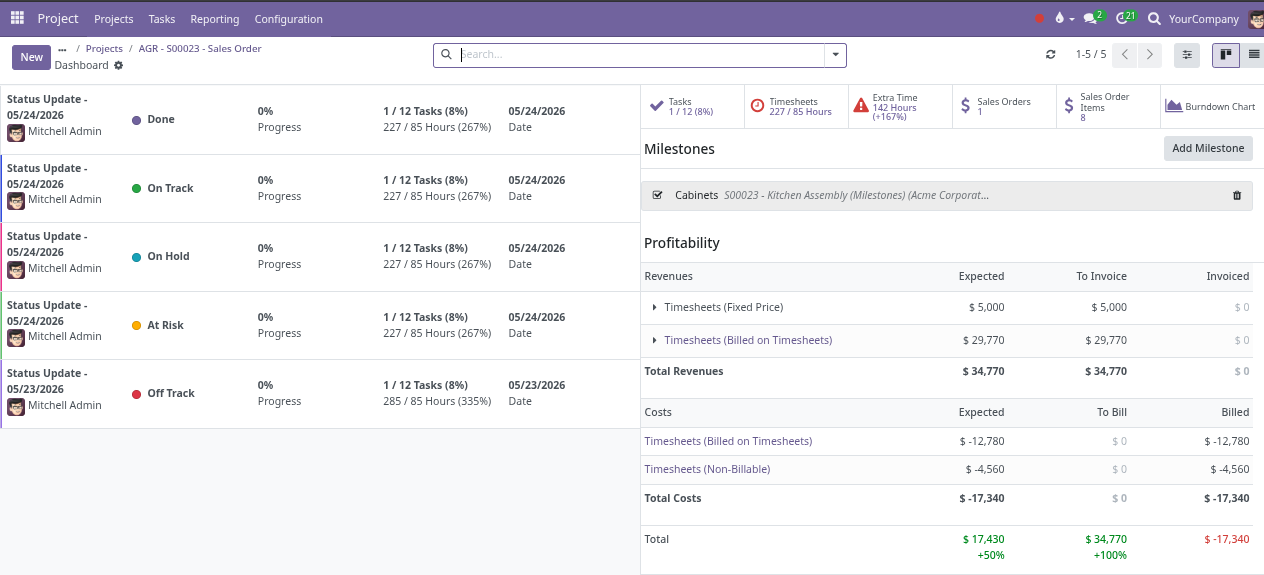
WindWeaver can cover CRM, quotes, jobs, projects, documents, scheduling, billing handoff, inventory, purchasing, reporting, customer, vendor, subcontractor, or internal portals, integrations, and custom workflows. The rollout should not turn everything on all at once. Start with the operating flow that needs clarity first, then add more capability when the process is clear and the value is worth it.
The WindWeaver advantage
Standard apps are useful when the business fits the default workflow. WindWeaver is built for the moments where the company needs the system to match the real process.
Configured when possible. Custom-built when necessary.
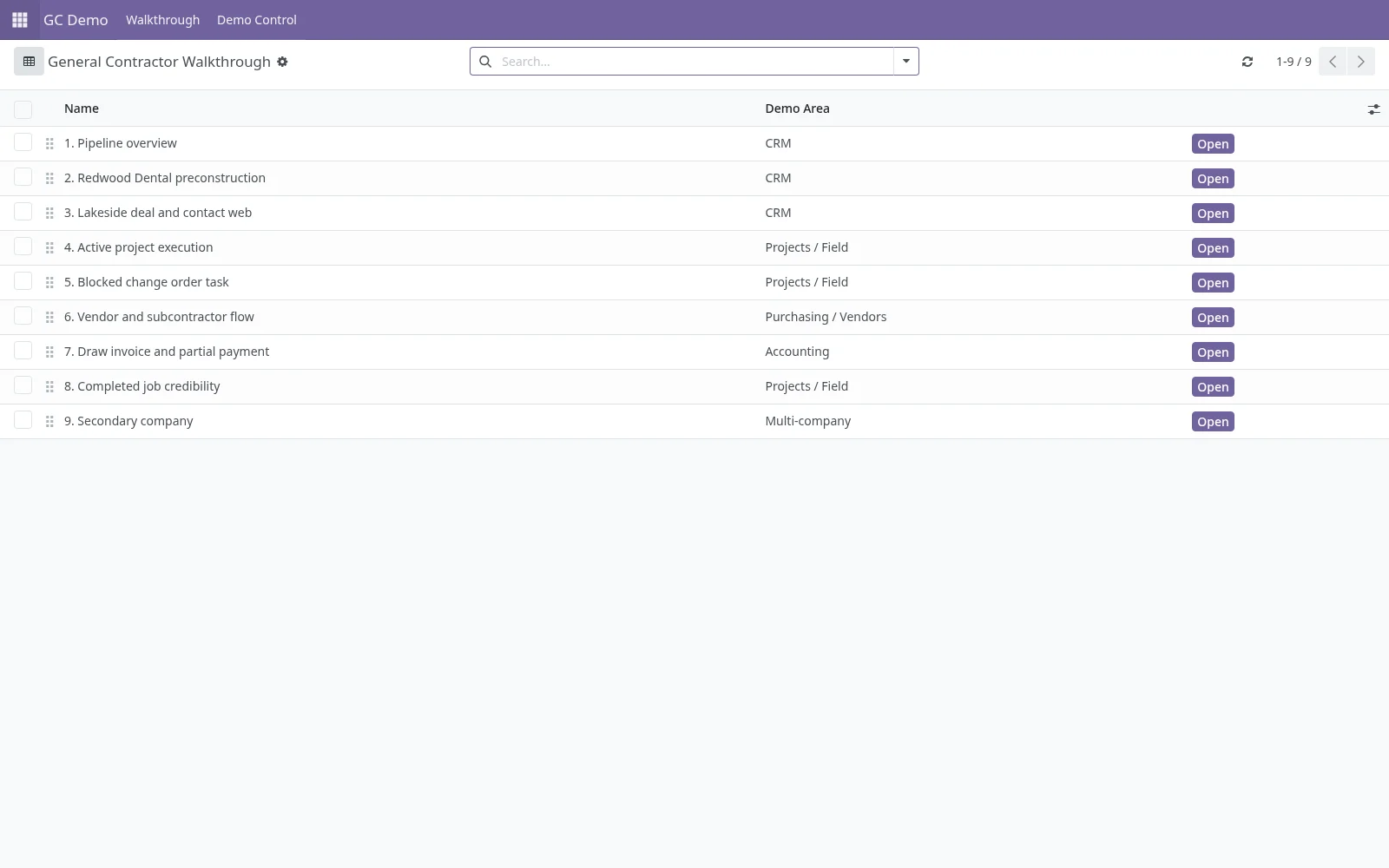
Lead stages, job stages, approval steps, forms, required fields, and handoffs can be shaped around the business.
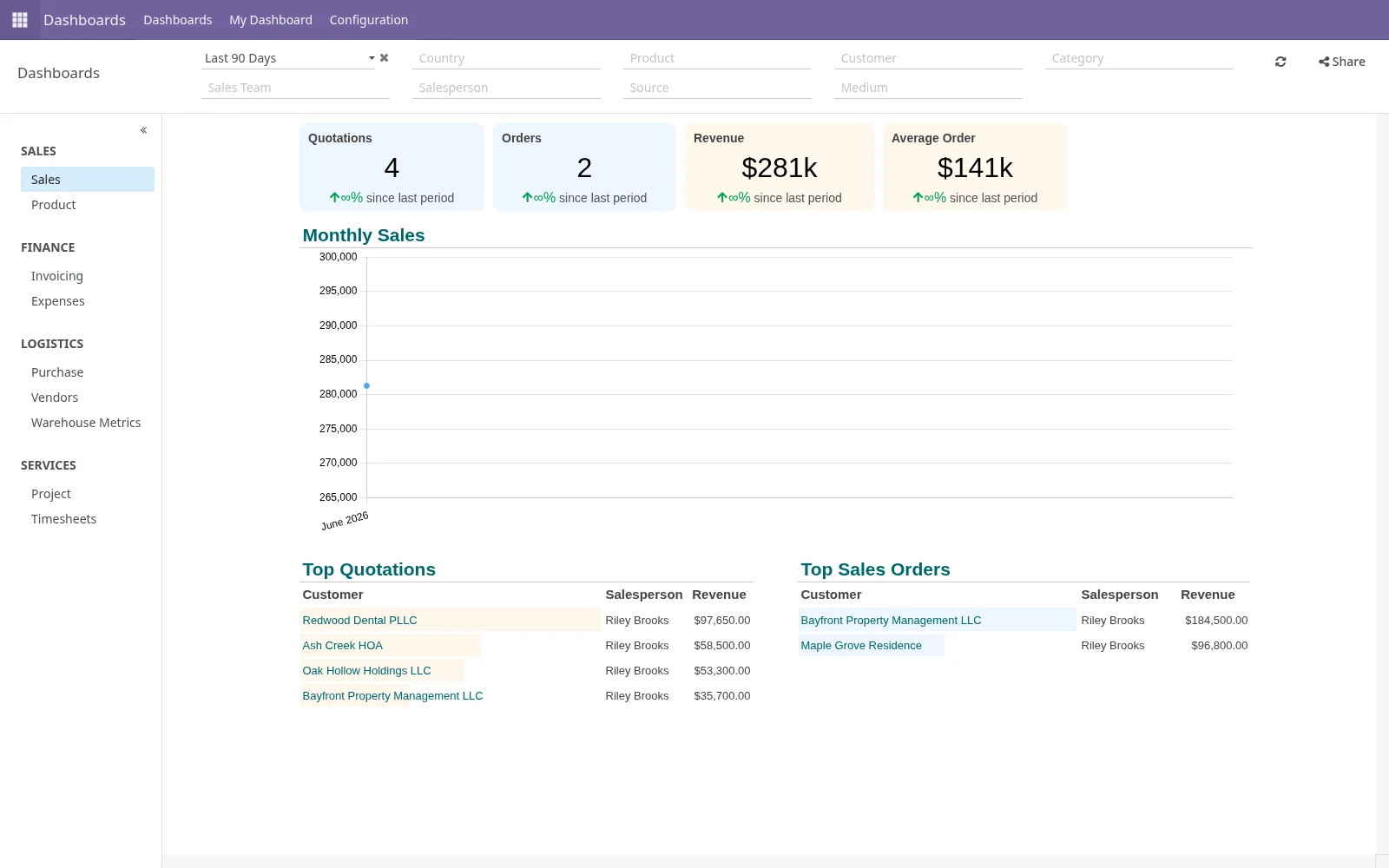
Owners, office staff, estimators, managers, and field users can each see the work from the angle they need.
Follow-ups, approvals, document requests, scheduling, job handoff, and billing readiness can become visible instead of living in memory.
Dashboards can show stale quotes, overdue follow-ups, active jobs, missing info, ready-to-bill work, and unpaid invoices.
Email, forms, spreadsheets, accounting-adjacent workflows, and other systems can be connected when it makes business sense.
When standard configuration is not enough, deeper screens, automations, customer, vendor, subcontractor, or internal portals, templates, integrations, or features can be built.
Founder-led engineering
The person helping understand the messy process can also configure, troubleshoot, integrate, and custom-build the system. That shortens the gap between "this is how the business works" and "this is how the system needs to work."
Find where follow-up, handoff, billing, documents, reporting, or ownership break down.
Shape stages, fields, views, roles, templates, and dashboards around the company's real work.
Build deeper automations, integrations, customer, vendor, subcontractor, or internal portals, reports, or workflows when the business case is there.